Blender Final DLSS Render
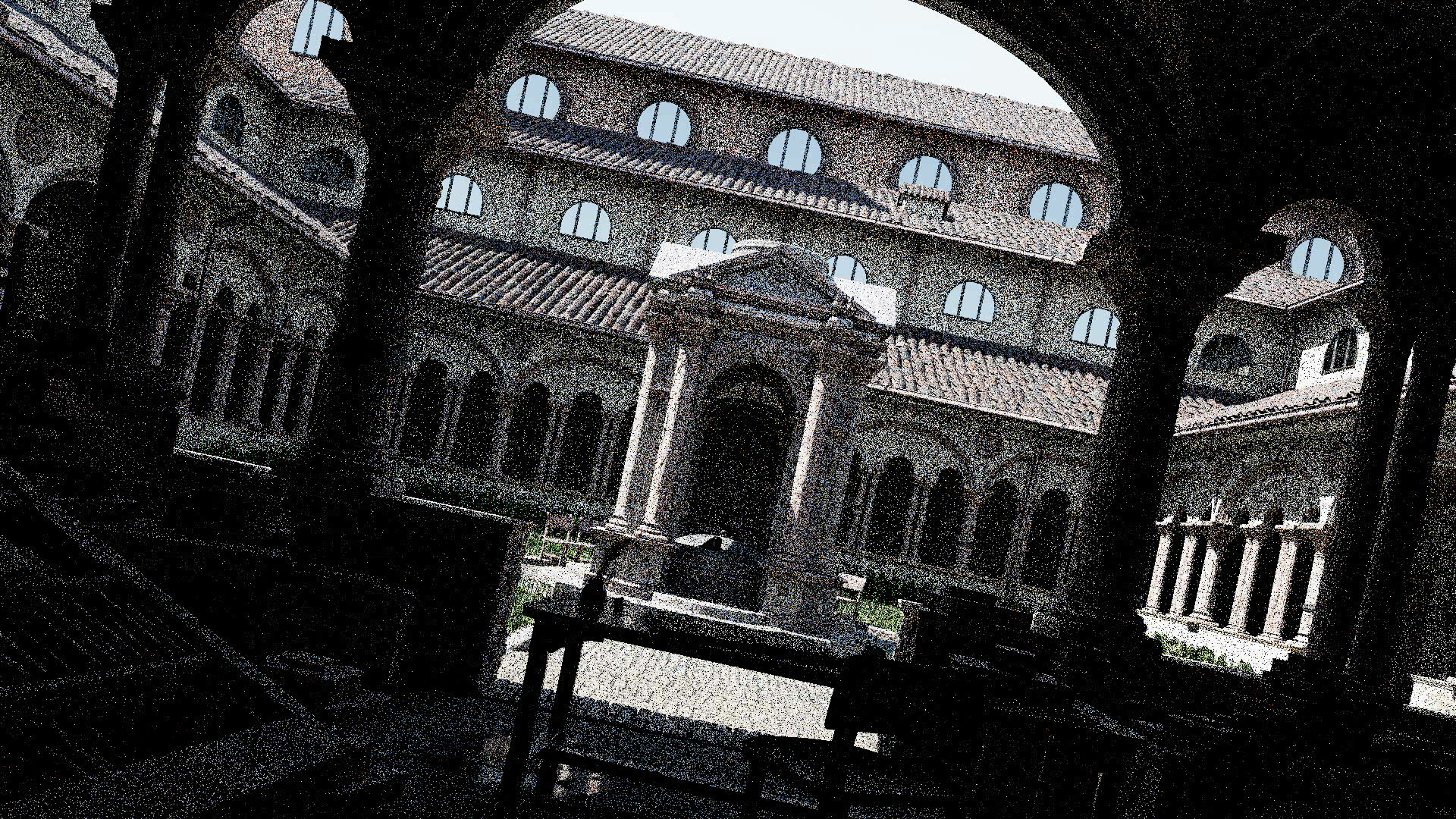
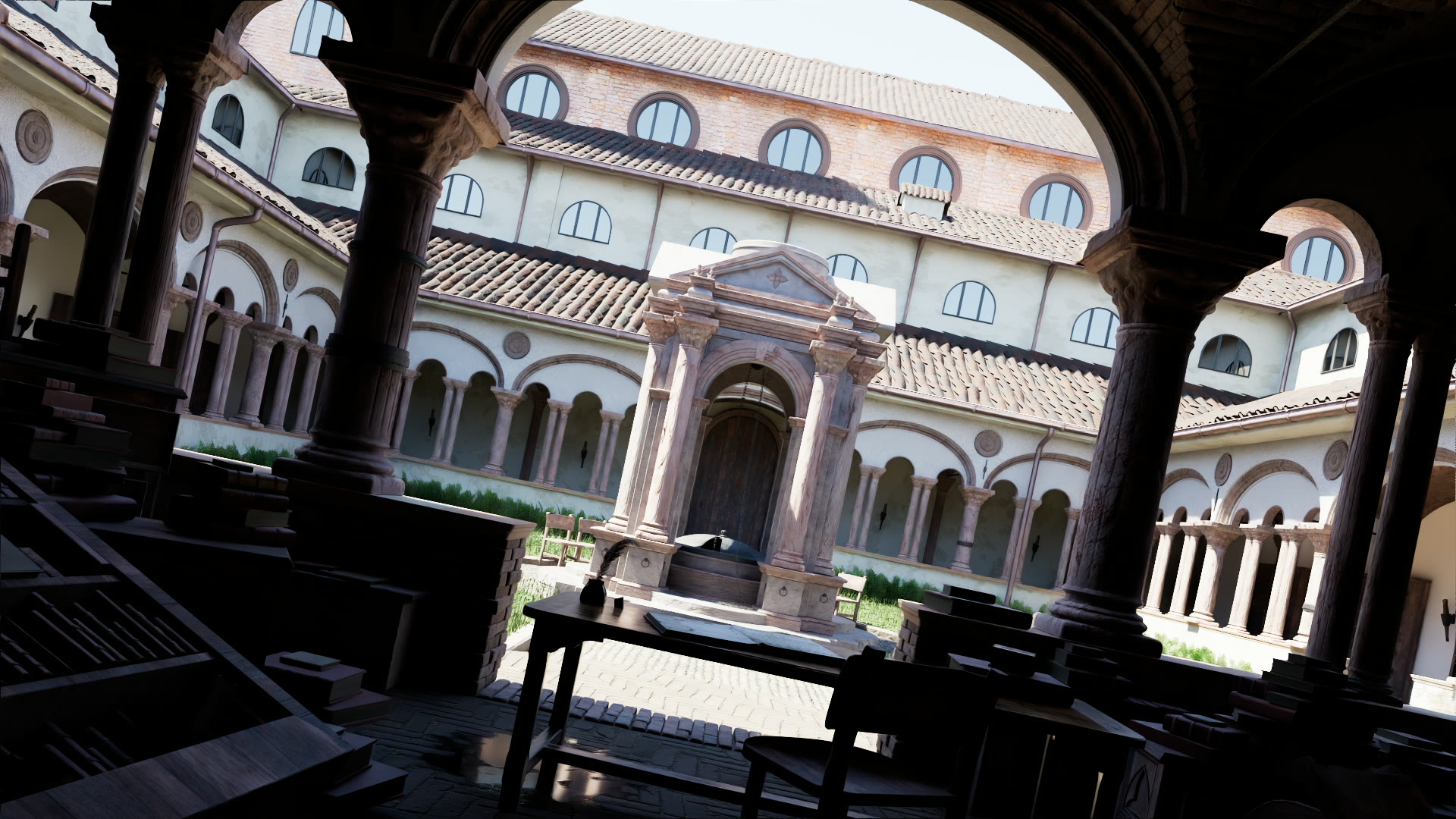
Cycles final stills and full animations, denoised by DLSS Ray Reconstruction. It does not capture the viewport. It is wired into Cycles' own final render, so Multilayer OpenEXR, Cryptomatte, dual-instance Alpha denoising, and VDB volume guides all come out natively. Based on Blender 5.3, portable, unzip and run.
Render time: Cycles DLSS vs OIDN

Seconds per frame · NVIDIA RTX 4080 16 GB · Blender 5.3
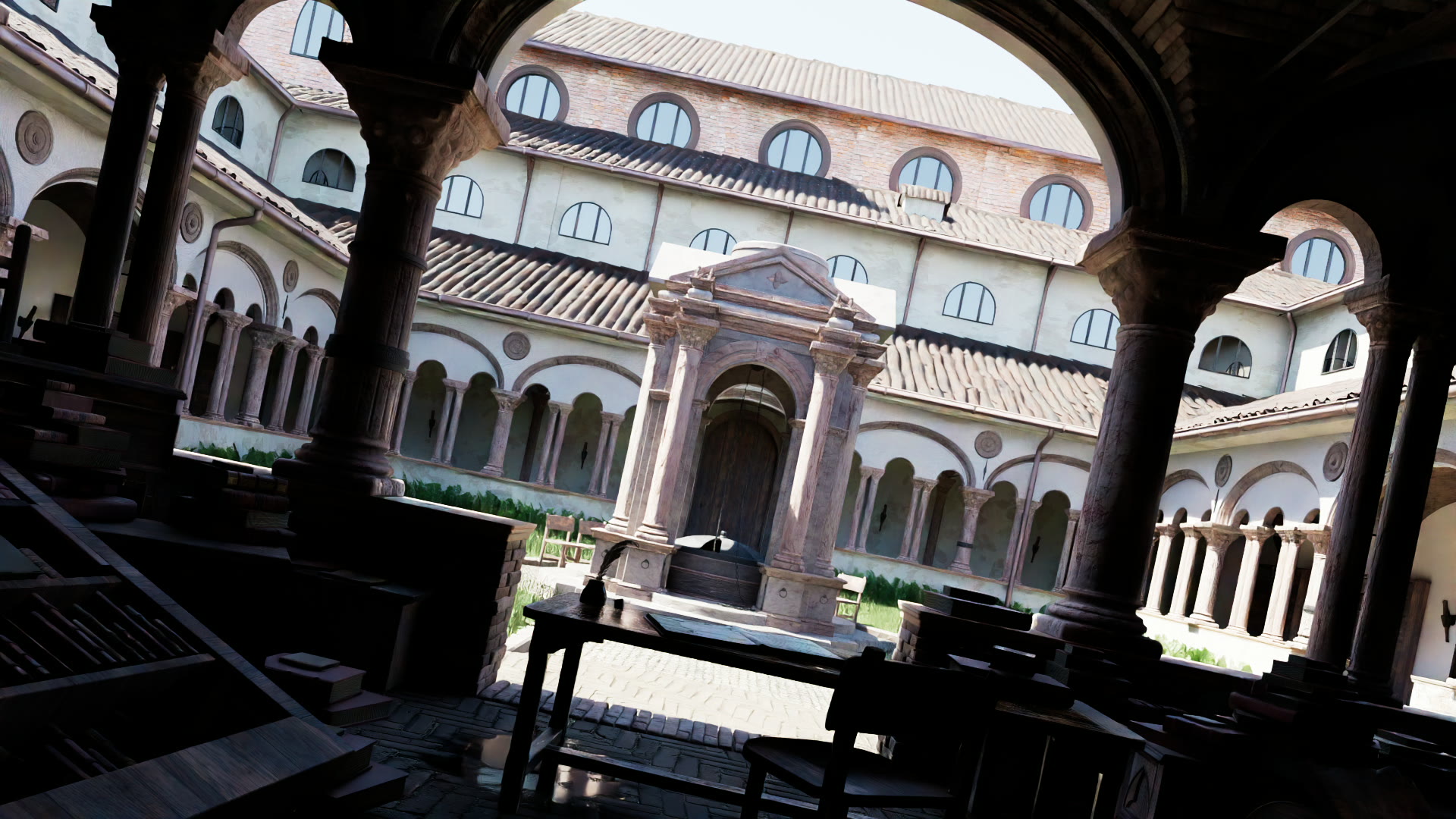
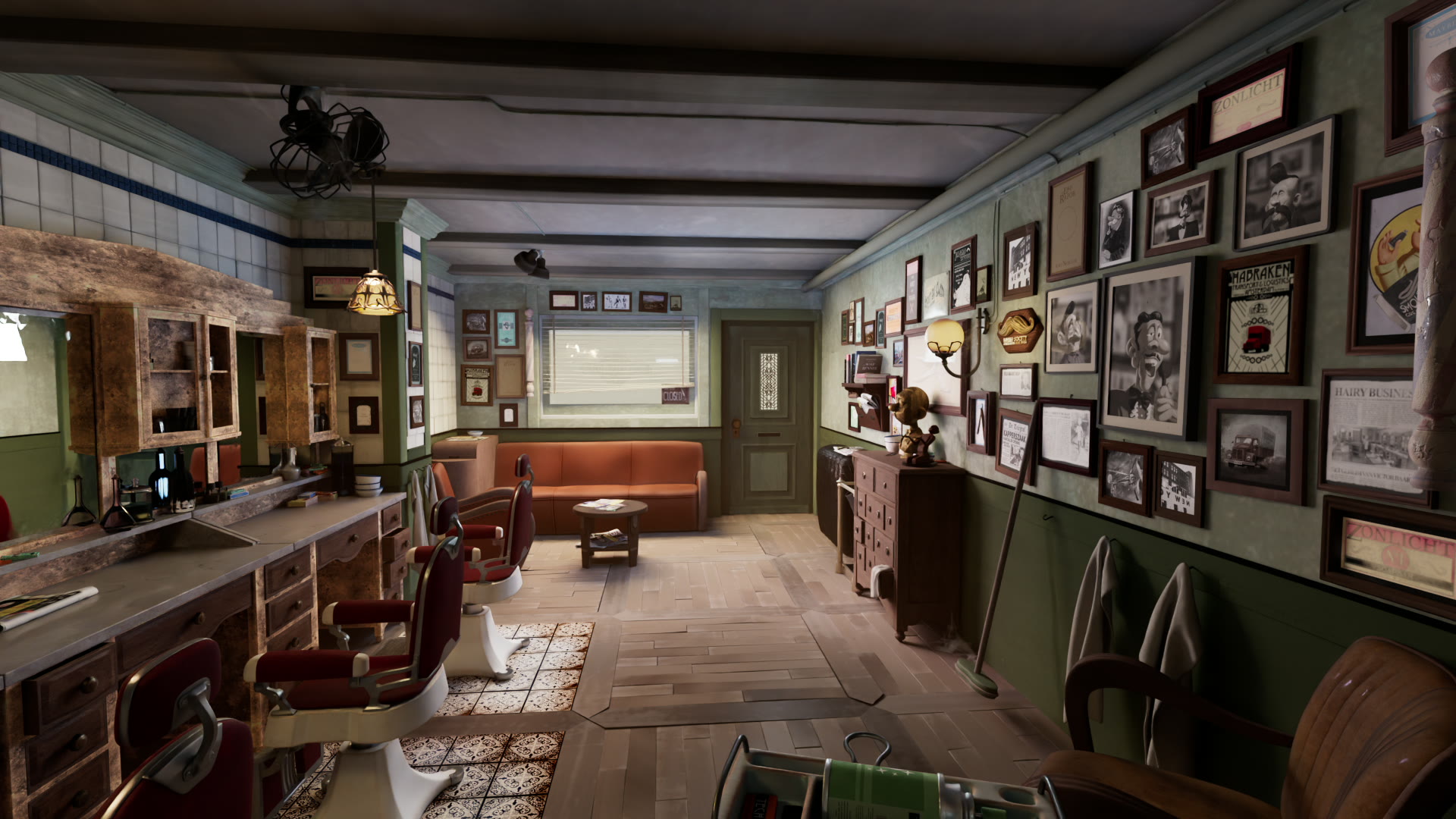
Animation comparisons: noise and temporal flicker
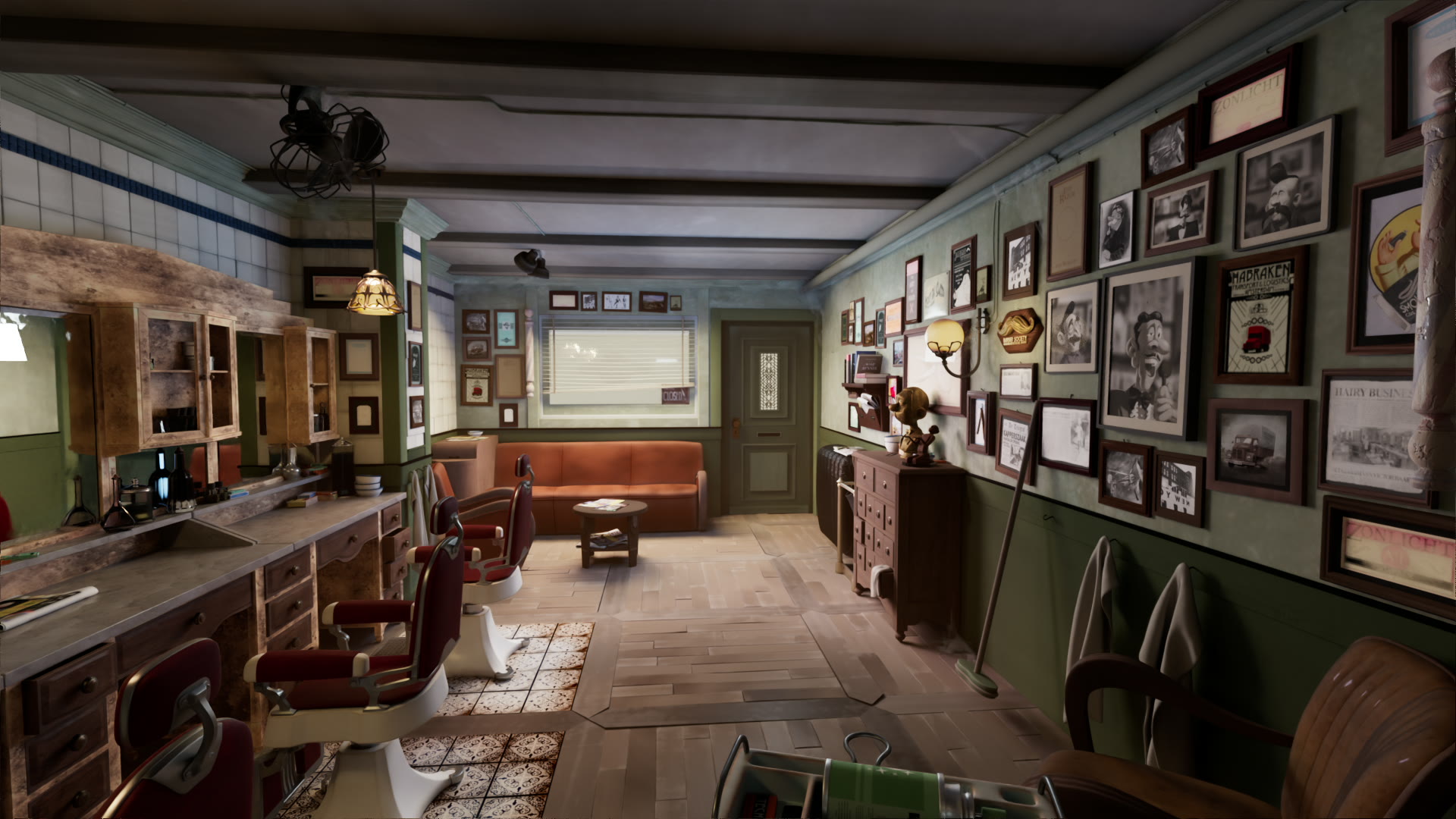

Why DLSS has to run inside Cycles
Official Blender 5.3 only uses DLSS in the viewport. Capturing the viewport as final frames is fast, but the viewport was never built for final VFX delivery—it lacks single-pass Multilayer OpenEXR, bit-exact Cryptomatte, temporal Alpha denoising, and kernel volume velocity guides. This build wires DLSS directly into Cycles' final render step.
- Renders follow your exact render settings: resolution, sample budget, render region, and tiled VRAM management.
- Every frame is a real Cycles render, with passes and the DLSS image in the same EXR.
- When rendering animations, DLSS history carries over between frames and resets on cuts.
Cycles Path Tracer
1–32 spp fixed budget · Preceding warm-up evaluations · Optional tiled path tracing merged in system RAM
Kernel Guide Buffers
Per-lobe Diffuse/Specular Albedo · Normal/Roughness · Backward Motion · VDB Velocity Grid & Volume Depth
Dual-Instance NGX RR
Instance #1: Native-res Combined HDR Ray Reconstruction · Instance #2: Synchronized Temporal Alpha RR
Multilayer EXR Output
16/32-bit scene-linear OpenEXR · Intact Cryptomatte bit-patterns, Vector, Depth, AOVs & DLSS5 Base pass
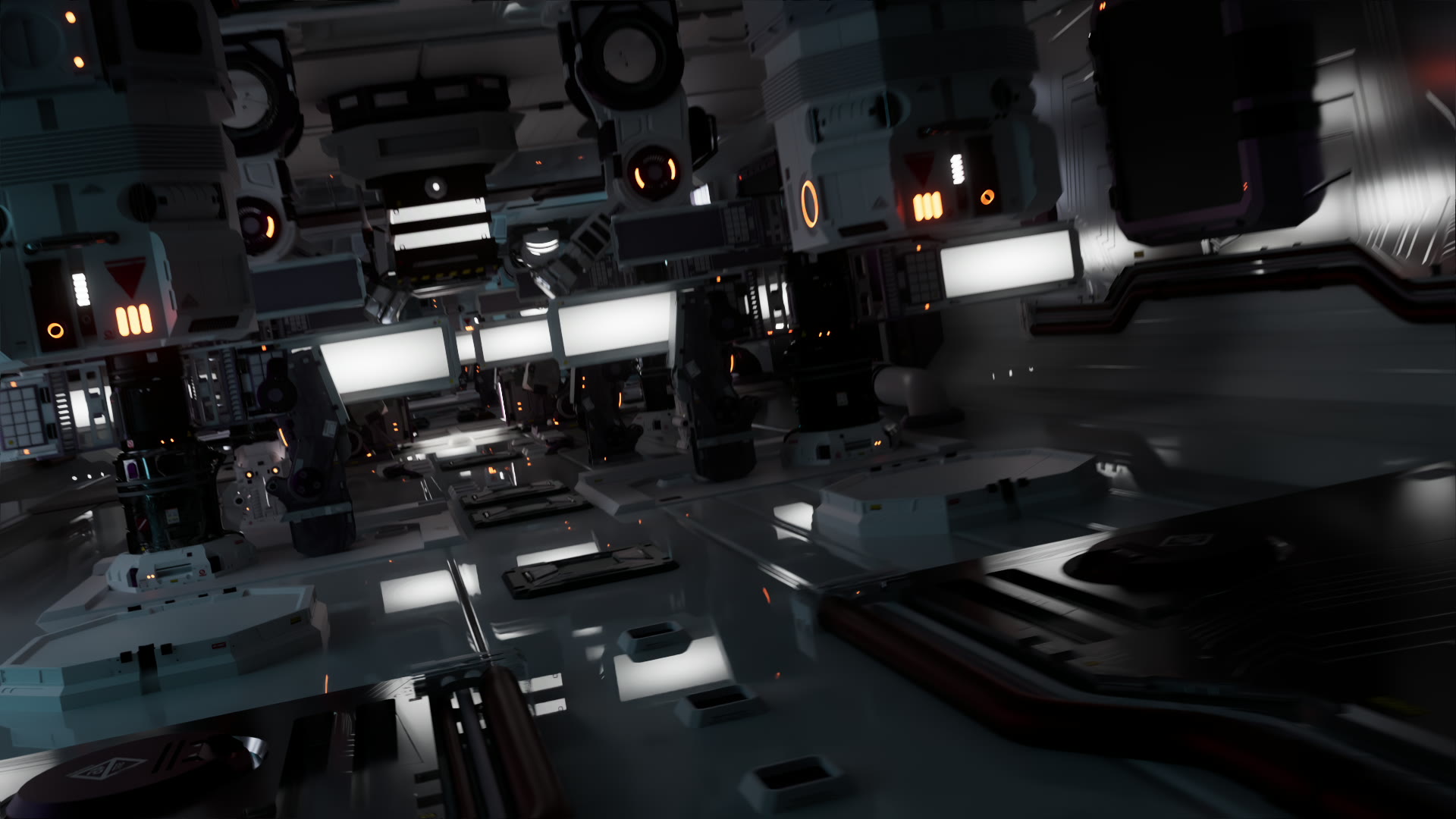 Watch clip
What the build adds to Cycles
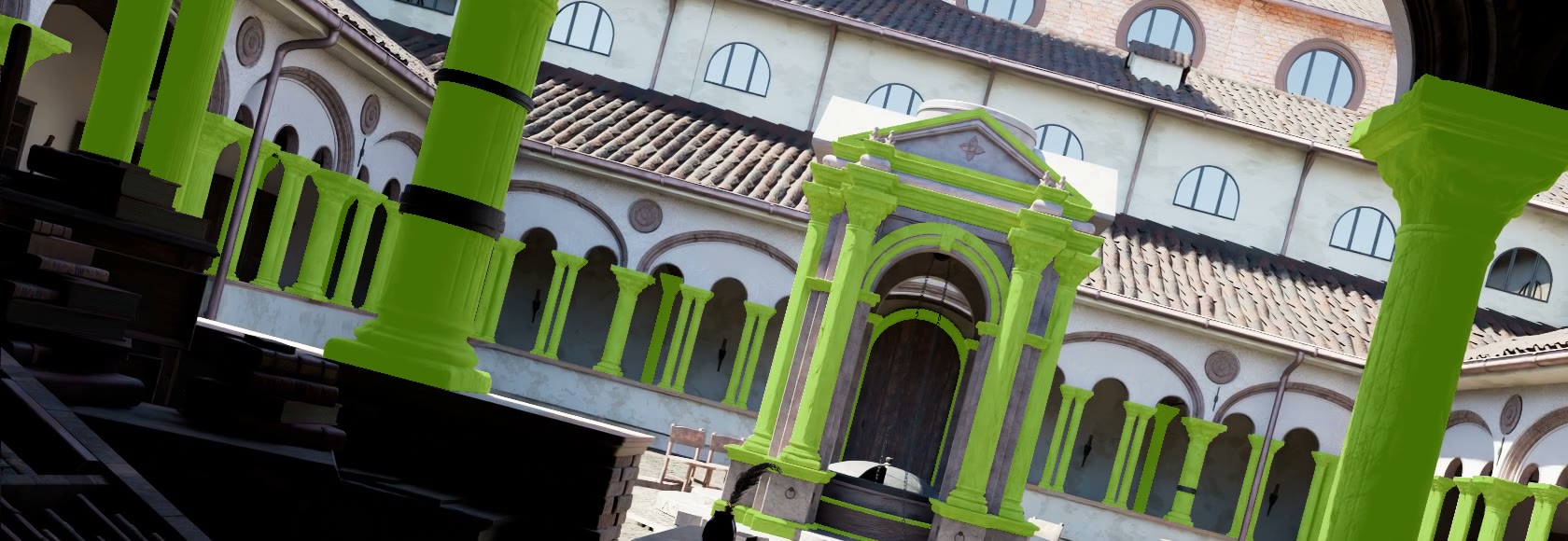
Render passes included
Depth, Normal, Vector, Cryptomatte and more are written with the DLSS image into one OpenEXR, ready for Nuke, DaVinci Resolve or Blender's compositor.
Shown: a CryptoMaterial matte from the same 16/32-bit Multilayer OpenEXR
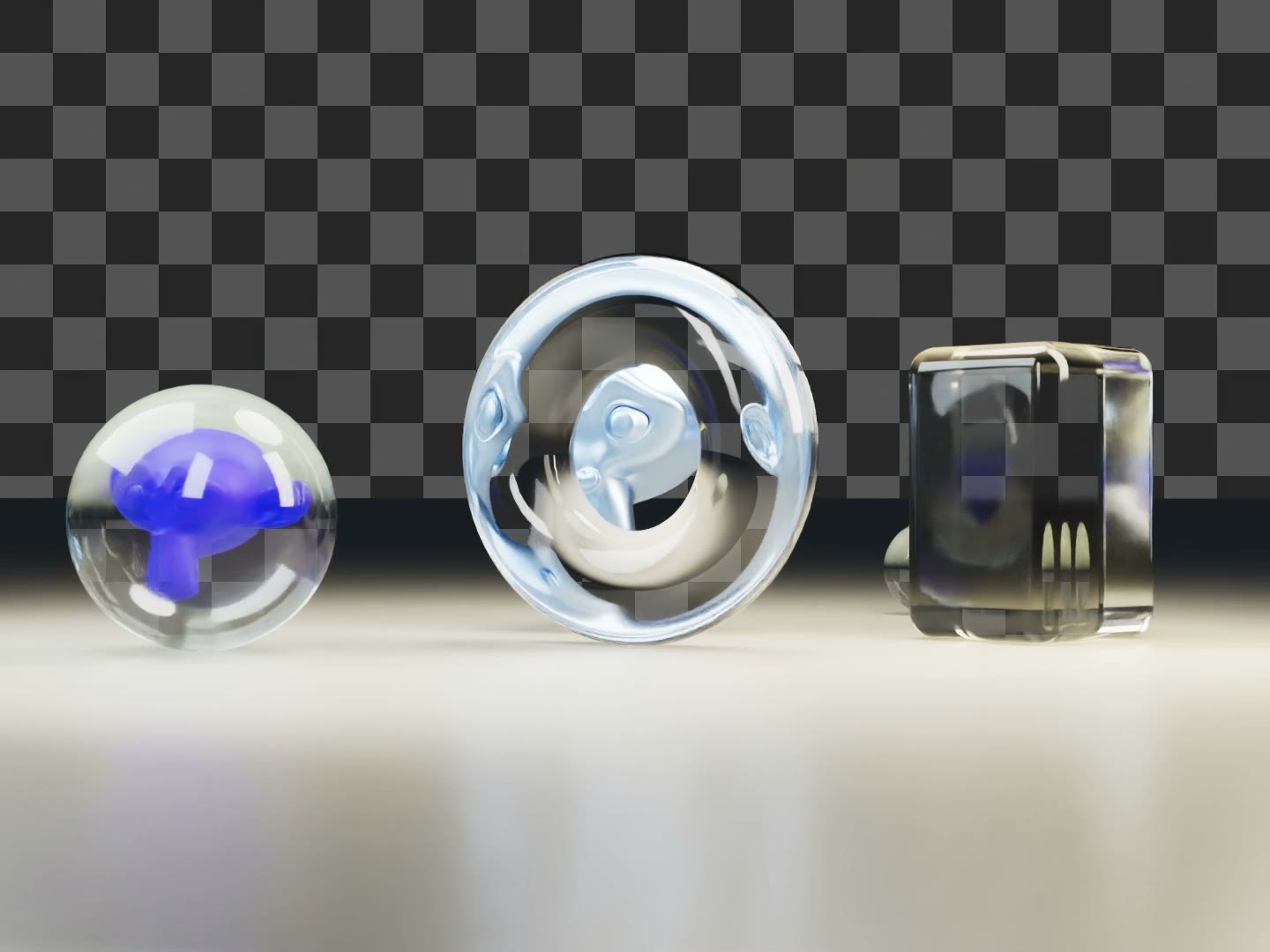
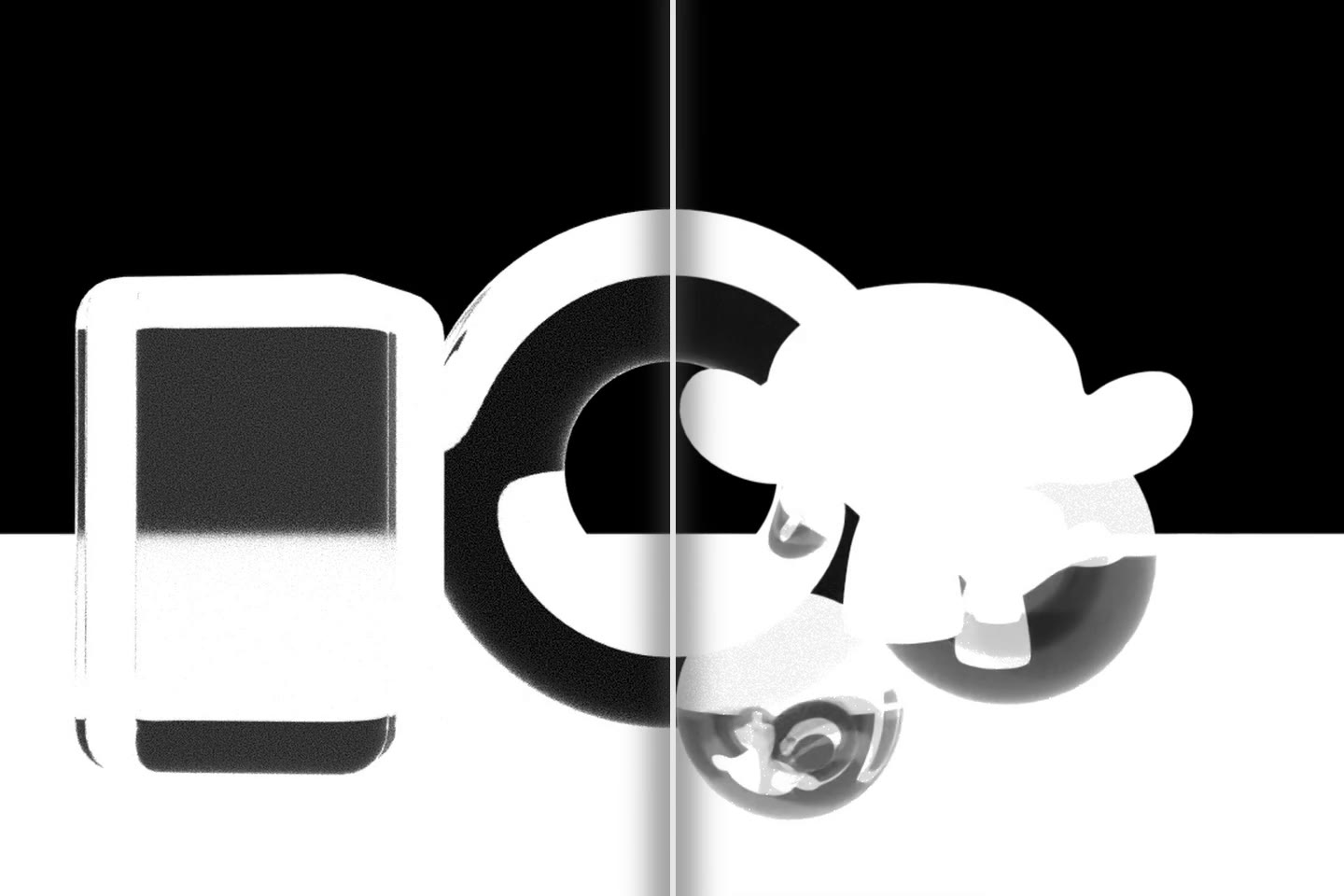
EXR with alpha
Blender Final DLSS Render writes the alpha channel natively to OpenEXR. A second synchronized DLSS Ray Reconstruction instance can denoise alpha separately to eliminate frame-to-frame edge flicker.
In the smoke test, the reported error fell from 0.050 to 0.022. With separate alpha denoising, frame-to-frame flicker fell from 0.08 to 0.006.
Full animations in one go
Denoiser history carries across frames, resets on camera cuts, and works the same for render regions.
Fixes three history issues official Blender still has
Smoke and volumes keep up
Depth, normals and motion are written for smoke, plus VDB velocity fields, so the denoiser no longer treats moving smoke as static background.
VDB smoke error −17%
Big scenes fit in VRAM
When VRAM is short, trace in tiles, merge in system memory, then denoise the full frame, uploading only the passes the denoiser needs.
City_1: 23.1 → 12.3 s per frame
Official Blender vs add-ons vs this build
| Official Blender 5.3 | Viewport-capture add-ons | Leo's Cycles C++ build | |
|---|---|---|---|
| Integration layer | Cycles Viewport only | Python viewport / 8-bit wrapper | Cycles C++ final integrator (F12) |
| Interactive viewport DLSS | ● | ● | ● |
| Native F12 final stills & animation DLSS | — | — | ● |
| Single-pass 16/32-bit Multilayer EXR & Cryptomatte | — | Extra pass / stitch | ● |
| Dual-instance RR temporal Alpha denoising | — | — | 0.08 → 0.006 flicker |
| Semi-transparent smoke coverage fix | — | — | 0.050 → 0.022 error |
| Kernel volume motion vectors & VDB velocity | — | — | −17% VDB error |
| Tiled path tracing + full-frame RAM merge RR | — | — | 1.9× on VRAM-bound scenes |
| Continuous frame history, cut reset & render region | — | Partial / resets | ● |
What you need
Requirements
- Windows, 64-bit
- An NVIDIA RTX GPU (tested on RTX 4080)
- No install needed: portable, separate from your existing Blender
Four steps
- 01Download and unzip anywhere
- 02Run blender.exe inside and open your scene
- 03Choose Cycles and set the denoiser to DLSS
- 04Render a still or an animation
Editions
Standard
Blender 5.3 · DLSS RRDLSS Ray Reconstruction with strict scene-linear lighting. The right choice for production and compositing.
DLSS5 Beta
Blender 5.3 · DLSS 5 NREverything in Standard, plus the optional DLSS 5 NR mode and a separate DLSS5 Base pass.
Known limitations
- Only the Combined (and optional Alpha) passes are denoised by DLSS. Other passes are written as-is.
- Tiled rendering is faster only when VRAM is short. With enough VRAM, untiled is faster.
- Glossy floors close to a fast-moving camera can still flicker slightly.
FAQ
- Does official Blender 5.3 support DLSS in final F12 renders?
- No. Official Blender 5.3 only uses DLSS Ray Reconstruction in the interactive Cycles viewport. Final F12 stills and animation renders still use OpenImageDenoise or OptiX. Blender Final DLSS Render moves DLSS into the Cycles final render step.
- Is Blender Final DLSS Render an add-on?
- No. It is a complete, source-modified Blender 5.3 build distributed as a portable Windows zip. Python add-ons cannot change the Cycles C++ integrator, so the changes are compiled into the engine itself. It runs alongside your existing Blender installation.
- How much faster is DLSS than OIDN in Cycles animations?
- On an RTX 4080, 1 sample with DLSS rendered the Blender 5.2 splash animation at 3.04 s per frame versus 8.0 s for 16 samples with OIDN, about 2.6× faster. At a matched 32 samples, render time is almost identical (1.96 s vs 1.91 s) with cleaner reflections.
- Does it write Multilayer OpenEXR, Cryptomatte and Alpha?
- Yes. The DLSS-denoised Combined pass is written with Depth, Normal, Vector, Cryptomatte and custom AOVs into one 16- or 32-bit Multilayer OpenEXR. Alpha can be denoised by a second Ray Reconstruction instance, which cut frame-to-frame alpha flicker from 0.08 to 0.006.
- What hardware does it need?
- Windows 64-bit and an NVIDIA RTX GPU. All benchmarks on this page were measured on an RTX 4080 with 16 GB of VRAM. Scenes that exceed VRAM can use tiled path tracing with a full-frame merge in system memory.
- Will it overwrite my existing Blender installation?
- No. The build ships as a self-contained portable Windows zip. Unzip it to any folder and run blender.exe directly—it does not touch your official Blender installation, preferences, or add-ons.
Related posts
All DLSS articlesRelease notes
- Render regions keep denoiser history
- Tiled rendering merged in system memory, upload only needed passes
- Volume motion vectors and VDB velocity; glossy floor flicker −28%
- Alpha denoised by a second Ray Reconstruction instance
- Fixed noise in semi-transparent areas on transparent backgrounds
- First pre-release